
GameEngine Briefing
A synopsis of the GameEngine environment.
Overview
GameEnginev1 is built around a central GameLoop that manages updates and rendering for all game objects. The loop ensures smooth gameplay by repeatedly updating object states and drawing them to the screen—this is how games come alive!
GameLoop Logic
- Initialize game environment and objects.
- Update: Each frame, update all game objects (Background, Player, NPCs, Barriers, etc.).
- Draw: Render updated objects to the screen.
- Repeat: Continue until the game ends.
Primary Classes
- GameObject: Base class for all entities.
- GameControl: Handles input and game state.
- GameEnv: Manages global environment settings.
- Background: Visual environment, may include parallax effects.
- Player: Controlled by the user.
- NPC: Non-player characters with scripted behaviors.
How Animation Works: Bringing Sprites to Life
Ever wonder how game characters move? Animation is achieved by quickly sequencing through a series of still images—like a flipbook! When played fast enough, these images create the illusion of smooth movement.
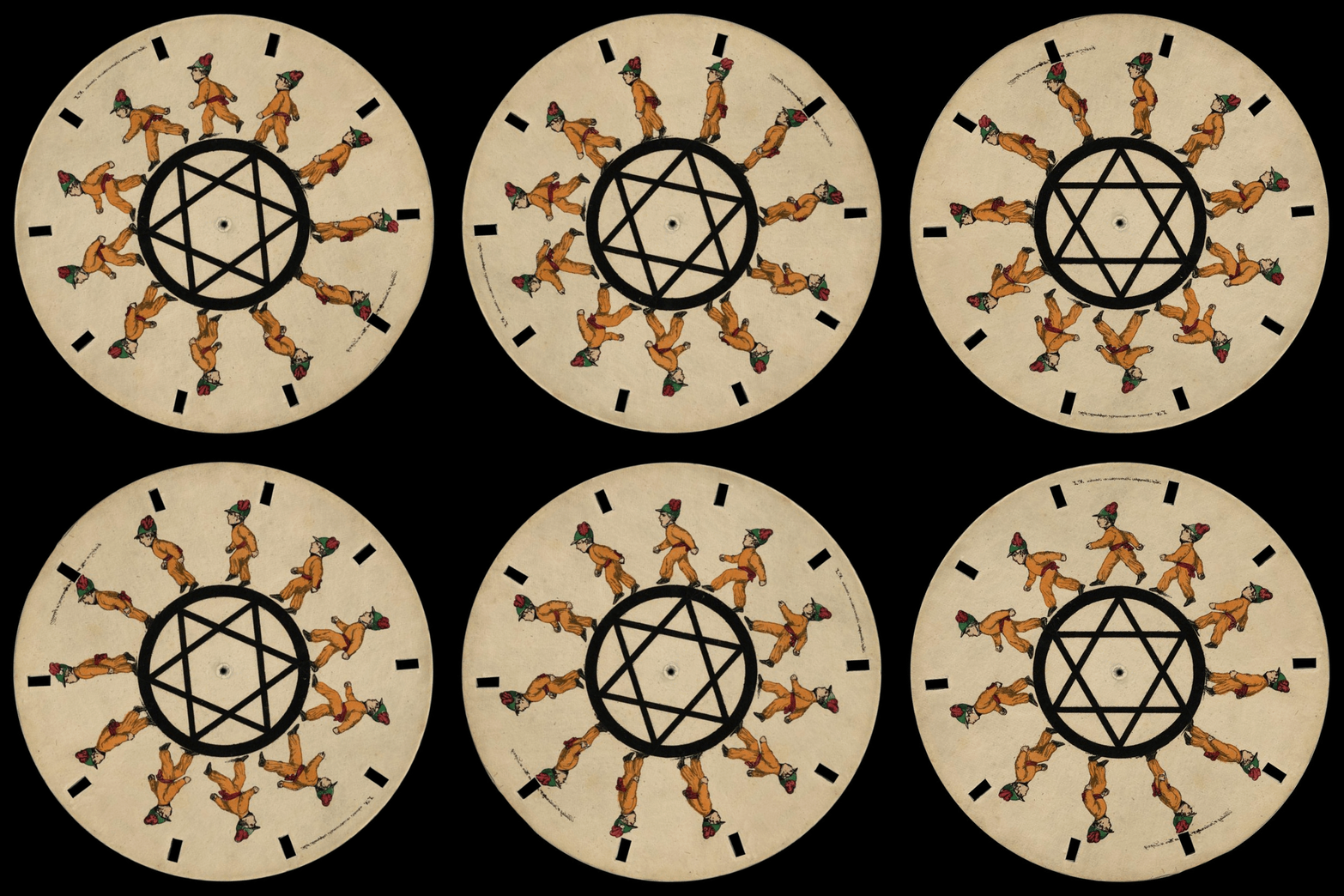
Sprite sheets organize these animation frames efficiently. Here’s a turtle sprite with 4 directional columns (down, right, left, up):
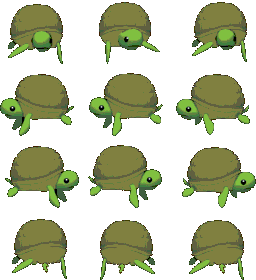
The GameEngine automatically cycles through these frames to animate your characters as they move! This creates smooth gameplay.
GameBuilder and GameRunner
We’re going to dive into game making right away! GameBuilder and GameRunner are visual tools designed for you to “Tinker” and “Build” without writing code from scratch. This leads us down the path of learning OOP fundamentals while working with a real game engine.
Interact & Reaction Callbacks
A key feature for customizing gameplay is the collision interact/reaction callback. This lets you define what happens when the player interacts with an object—triggering dialogue, collecting items, opening doors, and more. You’ll use these callbacks when creating your own game objects.
Summary
Applying Object-Based Game Mechanics occurs when we instantiate objects with creative assets, collisions, interactions, and reactions. Here is a quick peek inside the engine.
flowchart TD
    Start([Start])
    Init[Initialize GameEnv & Game Objects]
    Loop{GameLoop}
    Update[Update Objects<br/>Animate Sprites]
    Draw[Draw Objects<br/>to Screen]
    End([End])

    Start --> Init --> Loop
    Loop --> Update --> Draw --> Loop
    Loop --> End

    subgraph Objects
        Player
        NPC
        Interact
    end

    Update --> Objects
    Draw --> Objects
    Player -- interacts --> Interact
    NPC -- interacts --> Interact
    Interact -- reaction --> Player
Key Takeaways:
- The GameLoop drives the continuous update and draw cycle (this is how games feel alive!)
- Player and NPC are examples of objects managed each frame, using sprite animation
- The interact/reaction callback is your tool for creating object-to-object interactions
- Animation happens by cycling through sprite sheet frames at 30-60 times per second
Ready to build your own? GameBuilder makes it easy to start creating without coding from scratch!