
Camera Setup & Object Detection — Technical Detail & Flow
Capture and processing loops, observation state machine, data models, and privacy design for the Jarvis classroom perception project.
Technical Detail & System Flow
In-depth state machines, capture loops, data schemas, and privacy governance models underpinning the Jarvis classroom perception pipeline.
Each capture cycle creates a timestamped observation. Jarvis preserves the original frame, processes it through YOLO and SAM 3, and compares the result with recent observations before changing the room model.
sequenceDiagram
    participant Cam as Classroom Cameras
    participant Cap as FFmpeg Capture
    participant AI as YOLO + SAM 3
    participant Track as Tracking Logic
    participant Room as Room Model

    loop At each configured interval
        Cam->>Cap: provide current frame
        Cap->>Cap: save original with camera ID + timestamp
        Cap->>AI: submit frame for inference
        AI->>Track: classes + confidence + boxes + masks
        Track->>Track: compare with recent observations
        Track->>Room: confirm new, moved, continuing, or missing objects
    end
    Note over Track: One weak or missed detection does not immediately change the room model
flowchart LR
    A[YOLO detection] --> B["SAM 3 mask
and observation record"]
    B --> C{Matches an existing track?}
    C -->|Yes| D[Update object history]
    C -->|No| E[Create candidate track]
    E -->|Repeated evidence| F[Confirm object]
    E -->|Not repeated| G[Expire candidate]
    D -->|Position changed| H[Record moved event]
    D -->|Evidence disappears| I[Mark occluded]
    I -->|Still absent after threshold| J[Mark missing]
Data the system needs to persist
This is the current entity list, not a final database schema.
- Cameras — id, device name, host computer, viewpoint, resolution, status
- Frames — id, camera, capture timestamp, original-file path, processing status
- YOLO Classes — class id, object label, and training-version metadata
- Detections — frame, class, confidence, bounding box, model version
- Segmentation Masks — detection, mask-file path or encoded mask, SAM 3 model version
- Object Tracks — persistent object id, current class, state, first seen, last seen
- Locations / Zones — camera-relative coordinates and eventual room-relative position
- Observations — track, frame, camera, position, confidence, mask, timestamp
- Change Events — new, moved, missing, reappeared, or camera-conflict event
- Model Runs — configuration, thresholds, processing time, errors, and output version
Fewer blind spots, backup view.
Less storage and CPU load.
Frequent enough, easy to tune.
Objects first, materials later.
Small, manageable first dataset.
Precise pixels, not new labels.
Separate task, later milestone.
Load, crop, compare, save frames.
Doubt in one doesn't mean doubt in the other.
One miss doesn't mean a change.
Clear, testable bar for v1.
One machine, one room model.
Jarvis is designed to understand classroom objects, not identify or monitor individual people:
| Decision | Detail |
|---|---|
| No identity recognition | Jarvis does not use face recognition, names, student IDs, biometric enrollment, or any other method to determine who a person is. |
| Generic person detection only | A person may be represented only as the class person, allowing Jarvis to recognize that a classroom object may be temporarily blocked from view. |
| No persistent person tracking | Person detections are not assigned lasting identities and are not included in the classroom object inventory or movement history. |
| Object-focused outputs | Saved detections, masks, and change events focus on classroom objects; people are treated as temporary occluders rather than subjects of analysis. |
| Local prototype scope | The first version runs on the project's Linux computers for testing in the selected classroom rather than serving as a school-wide surveillance system. |
| Controlled evaluation | Initial accuracy testing should use team-controlled scenes and objects, with classroom testing conducted only under the permission rules established for the project. |
Generic person detections are counted, not identified, to produce a room occupancy number and flag presence at unexpected hours.
flowchart LR
    A["Person detections
per camera, per frame"] --> B["De-duplicate across
overlapping views"]
    B --> C["Room occupancy
count"]
    C --> D{"Matches bell
schedule?"}
    D -->|Yes| E["Normal presence"]
    D -->|No| F["Flag odd-hour
occupancy"]
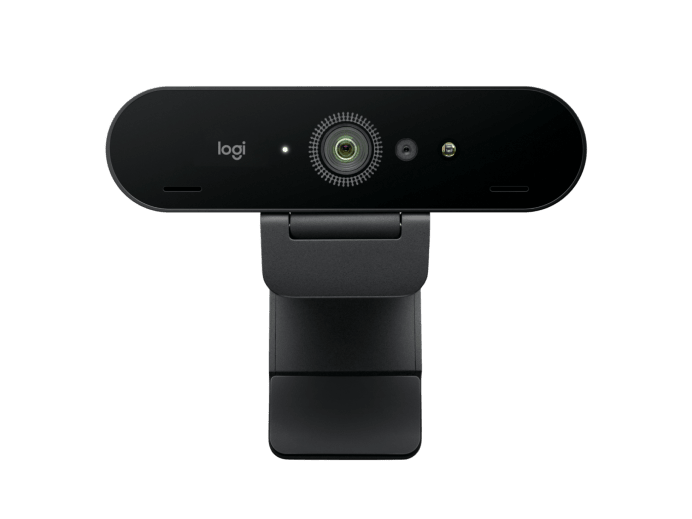
Primary classroom camera.
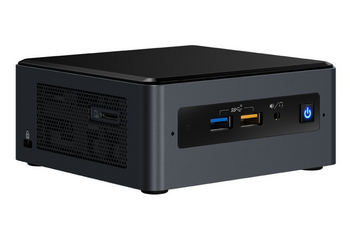
Runs capture + YOLO/SAM 3.
Opposite-side viewpoint.
Captures + transfers 2nd feed.
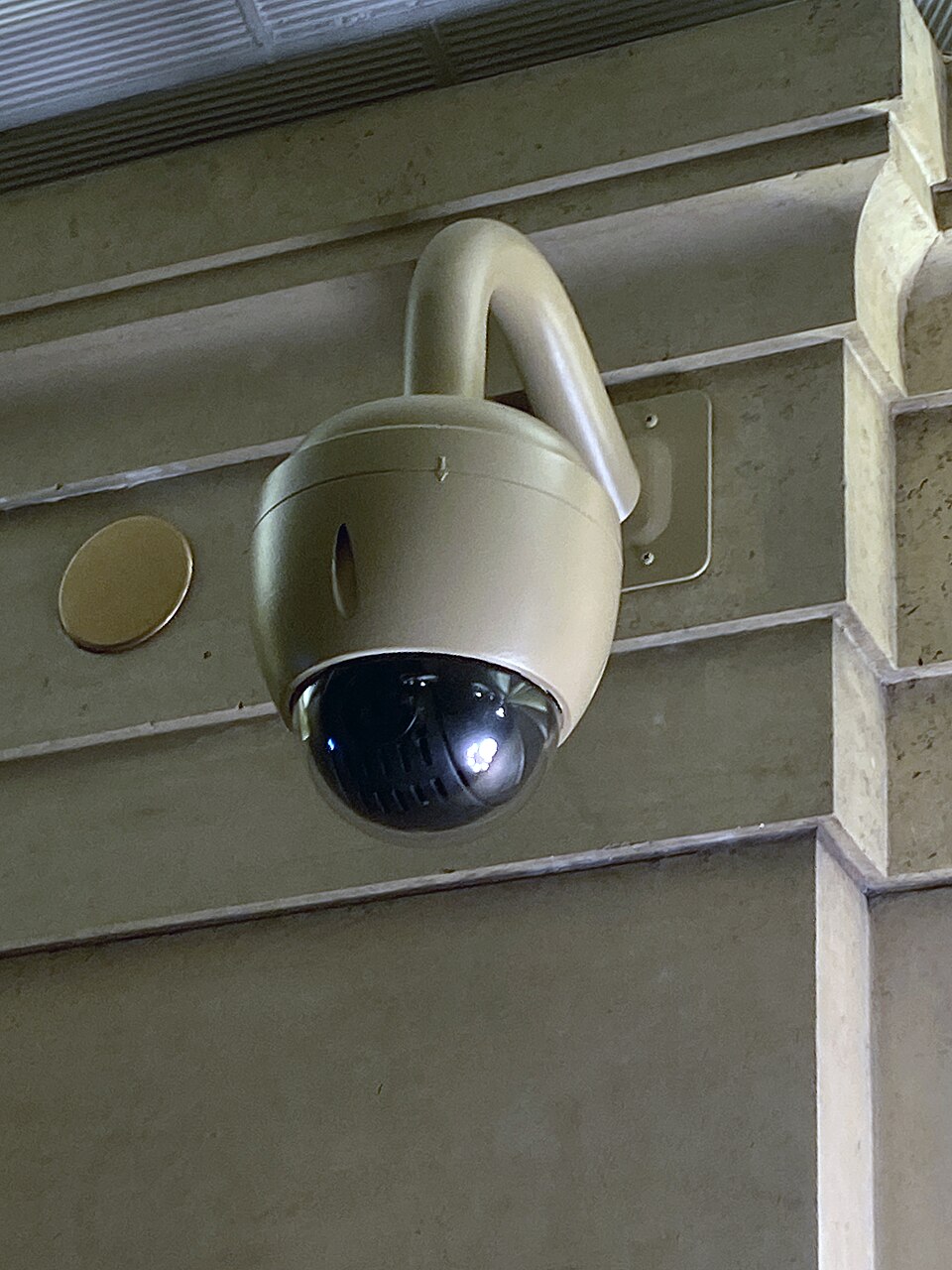
Stable elevated placement.
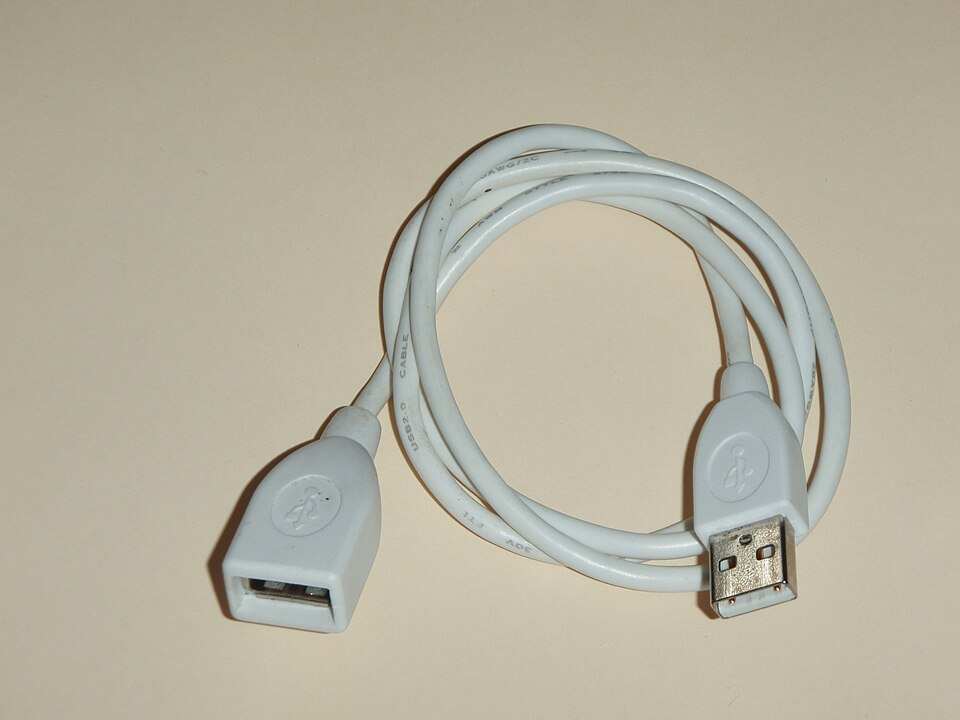
Reaches elevated mounts.

Cross-network SSH + transfer.
Build schedule through end of November. First two weeks are camera research only, no recognition work.