
Classroom Presence System, How It Works
How one RFID tap travels from the reader to the teacher's dashboard.
How It Works
From tap to dashboard
One tap on the reader shows up on the teacher's dashboard in about 2 seconds.
%%{init: { "flowchart": { "htmlLabels": false, "diagramPadding": 16 } } }%%
flowchart LR
    T(["Student taps laptop tag"]) --> C["Raspberry Pi
RFID reader"]
    C -- "tap + time" --> F[("Flask API
+ database")]
    D["Live dashboard
OCS Pages"] -- "status every 2s" --> F
    M["Jarvis camera
Mac Mini"] -. "next: face check" .-> F
    classDef next stroke-dasharray: 6 4
    class M next
Architecture: solid lines run today; the dashed camera path is next.
sequenceDiagram
    participant S as Student
    participant C as Pi reader
    participant F as Flask
    participant DB as Database
    participant D as Dashboard
    S->>C: Taps laptop tag
    C->>F: POST tap (card ID, time)
    Note over F: presence-event handler
    F->>DB: Save as ENTER in this period
    F-->>C: accepted
    loop every 2 seconds
        D->>F: GET classroom status
        F->>DB: Read this period's taps
        F-->>D: PRESENT or TARDY
    end
One tap, step by step: the reader posts the tap, Flask saves it, and the dashboard asks for status every 2 seconds.
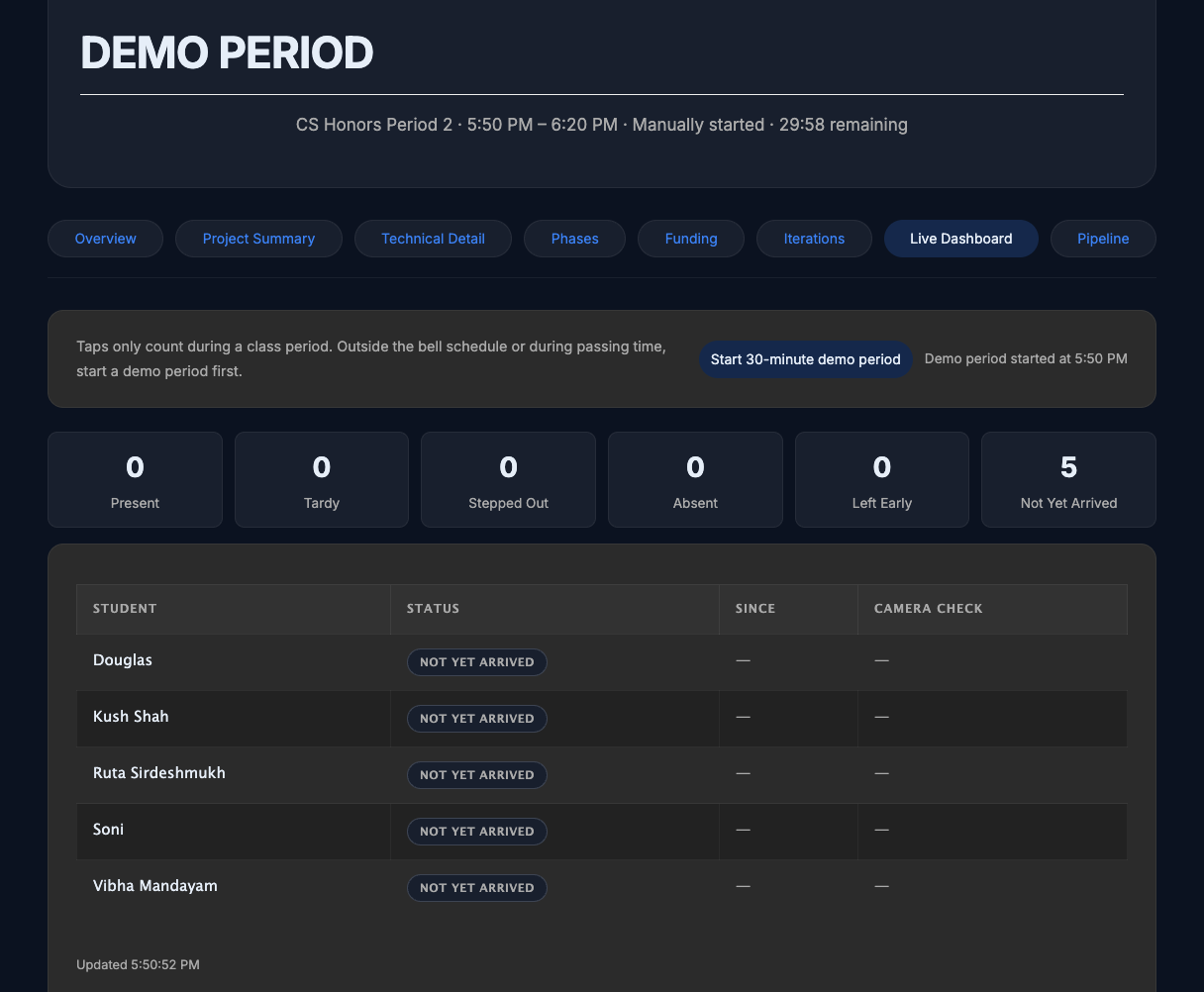
Before: period running, nobody has tapped.
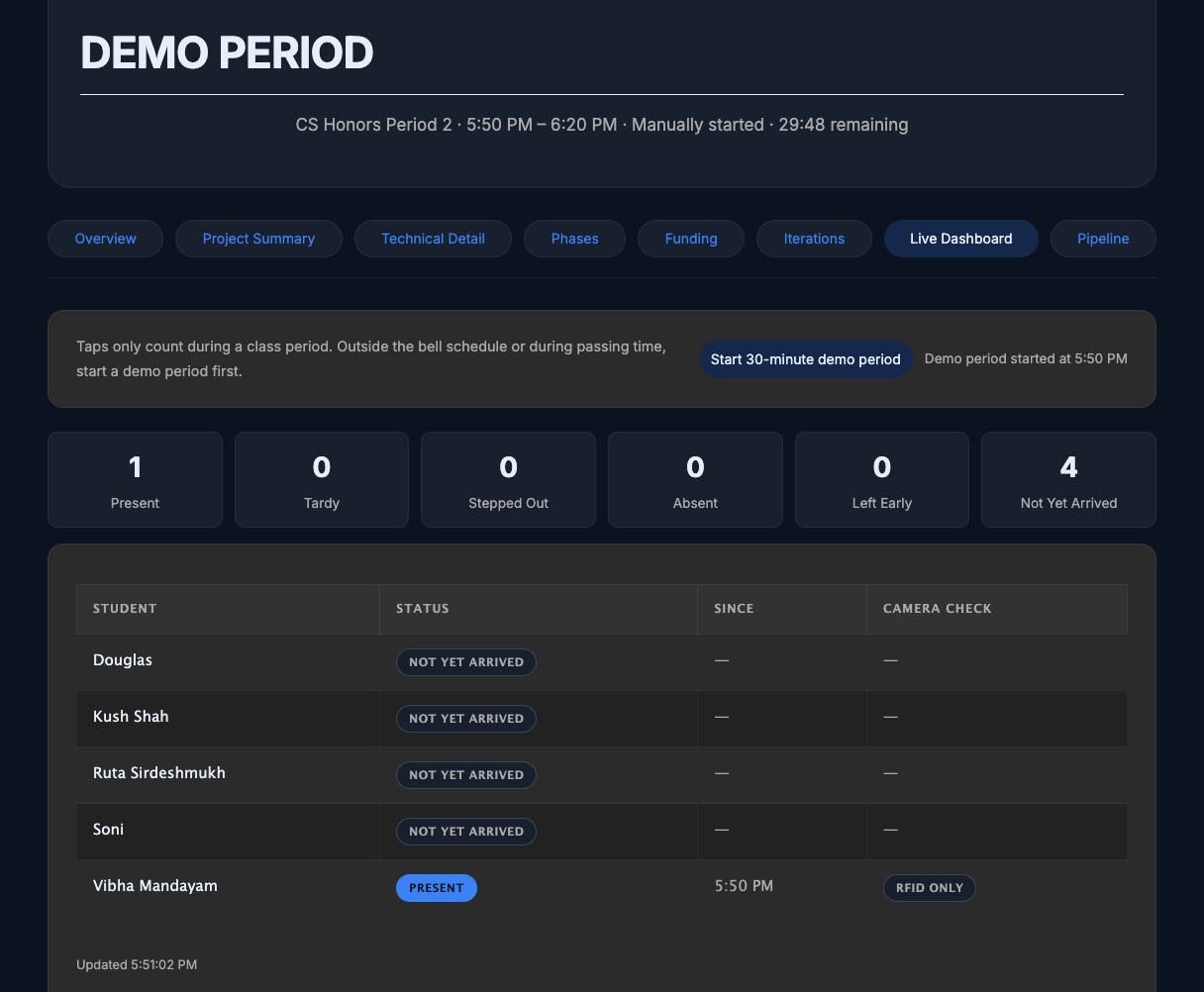
After: one tap, shown as Present.
Project TeamRuta Sirdeshmukh, Vibha Mandayam, Kush Shah
MentorDr. Douglas Fenner
Working prototype · UHF pilot in progress
View Repo