
GameEngine Essentials Guide
GameEngine Essentials
This is an essentials overview of the OCS GameEngine, featuring the essential objects, capabilities, and components of the engine.
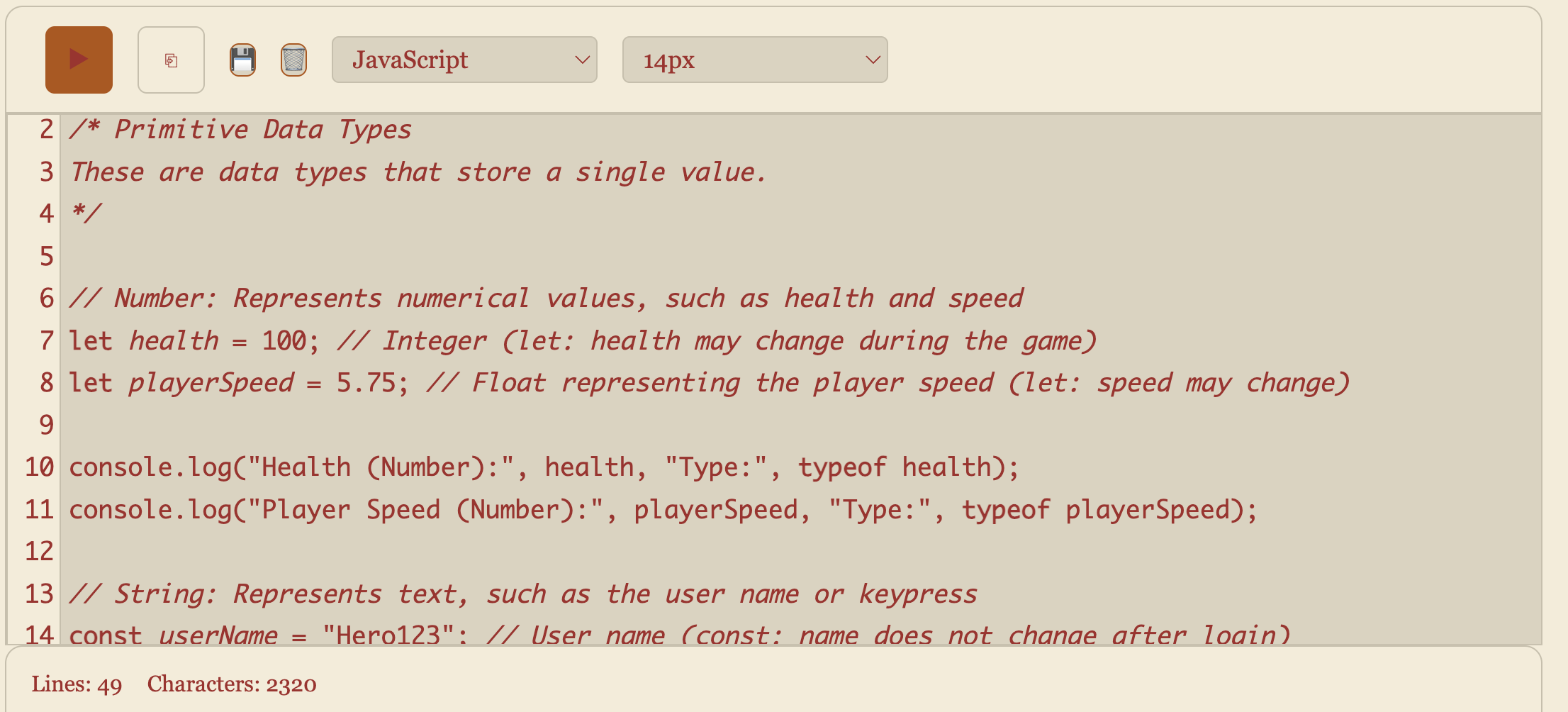
Variables
- let, const
- Primitive Types
- Reference Types
- DOM Manipulation
Variables and Data Types
Learn about the different variables and data types in JavaScript. Explore DOM manipulation with JavaScript.

Background
- Game Environment
- Theme and Style
- Parallax Scrolling
- Layering
Theme and Style
The background of a game establishes its theme and style, creating the foundation for the player's experience. This is your opportunity to get creative and make your game stand out.

Character
- Movement
- Animation
- Keyboard/Touch Inputs
- Collision Detection
Characters and Animation
Characters are the heart of the game, driving the story, interactions, and adventures. They bring the game world to life and engage the player through their roles and actions.
Formative Hacks
Technologist should lead these activities, except where noted.
The focus is on building an IPYNB that contains CODE_Runner, UI_Runner, and GAME_RUNNER examples. If these are modeled in game, great, but we prefer that these can be understood independently, by modeling these ideas into a personalized lesson.
Variables, Data Types, DOM
- Scrummer should lead this activity.
- This lesson uses Code_Runner and UI_Runner
- Obtain depth in variables (primitives and reference)
- Explore DOM, the foundation of all browser visuals
- Build a new lesson with Code_Runner and UI_Runner
Background/Parallax: Creating a Background
- Learn how to set up the game canvas using HTML and JavaScript.
- Craft a visually appealing background that complements the game’s theme.
- Incorporate background elements that contribute to the game’s effect
- Demonstrate background with Parallax
Player: Setting Up the Player
- Improve basic player movement and animations.
- Collision Handling
- Hit box adjustments
- Demonstrate Inspect Element for hitbox viewing
Finish: Ending Levels
- Render finish line obstacle that allow the player to transition to next levels.
- Consider alternate ending paths and animations.
- Demonstrate level transition
NPC: Friendly Interactions
- NPCs interaction (text, voice, sound)
- Create randomized dialog or quiz
- Demonstrate randomized dialog or quiz
NPC: Enemies Render enemy characters (creepers, shark) that move independently, consequence when there is a collision
- Define enemy behavior, including collision interactions with the player character.
- Create animation / death at collision
- Demonstrate independent movement and animation
Submit Assignment
Need to update a submission later? Open the submissions dashboard.